fluXtore on AppSumo: What the Lifetime Deal Includes and How to Redeem Your Codes

fluXtore is sold on AppSumo as a one-time lifetime deal: one code covers 3 websites, two codes 10 websites and three codes 30 websites. You redeem the code at fluxtore.com/redeem, download the Pro plugin from your account, and activate it with your license key.
- Tiers on the listing (November 4, 2026): $19 for 3 websites, $38 for 10, $57 for 30.
- Refund window: 60 days, set by AppSumo.
- Redeem: no account is needed first; it is created with the first code.
Deal details checked on the AppSumo listing on November 4, 2026. AppSumo controls price, availability and refund terms, so confirm them on the listing page before you buy.
What is the fluXtore AppSumo deal?
It is a lifetime license for the fluXtore Pro plugin, paid once on AppSumo. You get the Pro features and all future updates of the plan, with no yearly renewal. You can add more codes later to raise the number of websites.
fluXtore is a WordPress plugin that turns WooCommerce into a sales funnel: landing page, checkout with order bump, one-click upsell and downsell, and thank-you page. New to funnels? Read what a sales funnel is first.
Which tiers and how many websites does the deal include?
The listing shows three tiers: $19 for 3 websites, $38 for 10 websites and $57 for 30 websites. They match the number of codes you stack: one code gives 3 websites, two codes give 10 and three codes give 30. Every tier includes unlimited funnels and all core features.
| Codes | Tier on the listing | Price | Websites |
|---|---|---|---|
| 1 code | Personal | $19 | 3 |
| 2 codes | Pro | $38 | 10 |
| 3 codes | Agency | $57 | 30 |
Which features does the AppSumo deal include?
The listing lists URL redirects, one-click upsells and downsells, order bumps, Analytics Pro, A/B split testing, a checkout fields editor, optimized templates and unlimited funnels. These are the same Pro features described in the fluXtore documentation.
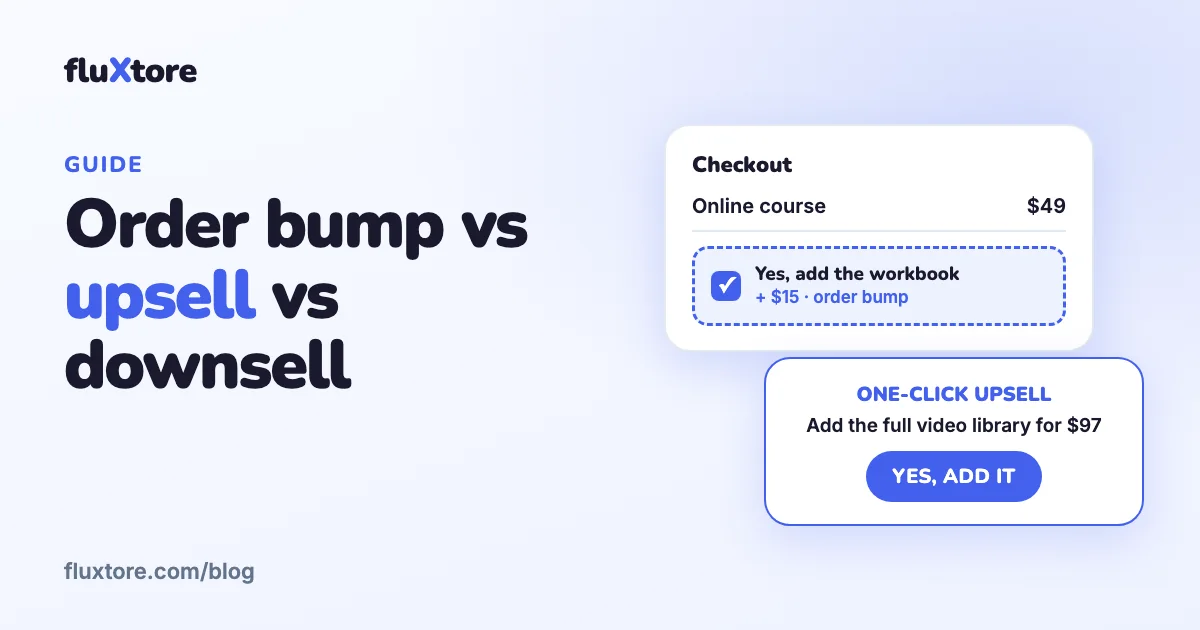
- Order bump: a small add-on on the checkout page. See order bump vs upsell vs downsell.
- One-click upsell and downsell: offers shown right after payment.
- A/B split testing and Analytics Pro: compare versions of a step and see orders, revenue, visits and conversion rate.
- URL redirects and checkout fields: control the flow and the form.
How long is the refund window?
AppSumo lists the deal as refundable up to 60 days from the purchase date. Use that time to build one real funnel and place a test order. Refunds are handled by AppSumo, so request them from your AppSumo account.
How do you redeem your AppSumo code?
Copy the code from your AppSumo purchases and redeem it at fluxtore.com/redeem. You do not need an account first: it is created together with the redemption. Then download the Pro plugin from your account and activate it with the license key.
- On appsumo.com open your purchases and copy the code.
- Go to fluxtore.com/redeem, choose how many codes you are redeeming and paste them.
- Fill in your first name, last name, email and a password, then submit.
- Log in at fluxtore.com/account. The License tab shows your key and the Download tab has the Pro zip.
- In WordPress, install and activate the free fluXtore plugin first (WooCommerce must be active).
- Go to Plugins, Add New, Upload Plugin, choose the Pro zip, then Install Now and Activate.
- Open fluXtore, Pro License, paste the key and click Activate.
How do you stack more codes later?
Go to fluxtore.com/redeem again, choose how many codes you are adding, paste them and use the same email and password as the first redemption (or log in first). There is no separate stack button. The codes are added to your license and the total decides the website limit.
Your plan never goes down: adding codes can only raise it. If you used a different email for extra codes they created a second account, so redeem them again with your original email.
How many websites can you activate?
Each WordPress installation counts as one activation, and a client website counts as a website. www.example.com and example.com are different domains. To free a slot, open My Account, then Sites, and click Revoke next to the site (the plugin stops working on that domain).
What should you know before you buy?
- Requirements: self-hosted WordPress 5.4 or higher, WooCommerce with at least one product, PHP 7.4 or higher and an SSL certificate.
- Page builders: Elementor (the free version is enough), the block editor, Bricks and Divi.
- Payment gateways: one-click upsells work with the PayPal and Stripe implementations of WooCommerce. If you sell through another gateway, ask support before you rely on upsells.
- Support: open a ticket at fluxtore.com/tickets; replies come by email and in your account.
- Reviews: read the reviews on AppSumo and test on a staging site within the refund window.
Comparing options? See the best WooCommerce funnel builders side by side.
Build your first funnel with fluXtore
Order bumps, one-click upsells, A/B testing and analytics for WooCommerce. Start free, upgrade when you need more.
Get the free plugin See pricingFrequently asked questions
How many websites does one fluXtore AppSumo code cover?
One code covers 3 websites. Two stacked codes cover 10 websites and three stacked codes cover 30 websites. Each WordPress installation counts as one website.
Do I need an account before I redeem my code?
No. Go to fluxtore.com/redeem, paste your code and fill in your details: the account is created together with the redemption.
Can I add more codes after my first redemption?
Yes. Redeem again at fluxtore.com/redeem with the same email and password as your first redemption. The codes are added to your license and your plan never goes down.
Do I need Elementor Pro to use fluXtore?
No. fluXtore works with the free version of Elementor, and also with the WordPress block editor, Bricks and Divi.
Which payment gateways work with one-click upsells?
fluXtore works with the PayPal and Stripe implementations of WooCommerce. For other gateways, ask support first because compatibility is not promised.