What Is a Sales Funnel in WooCommerce? A Practical Guide for Store Owners
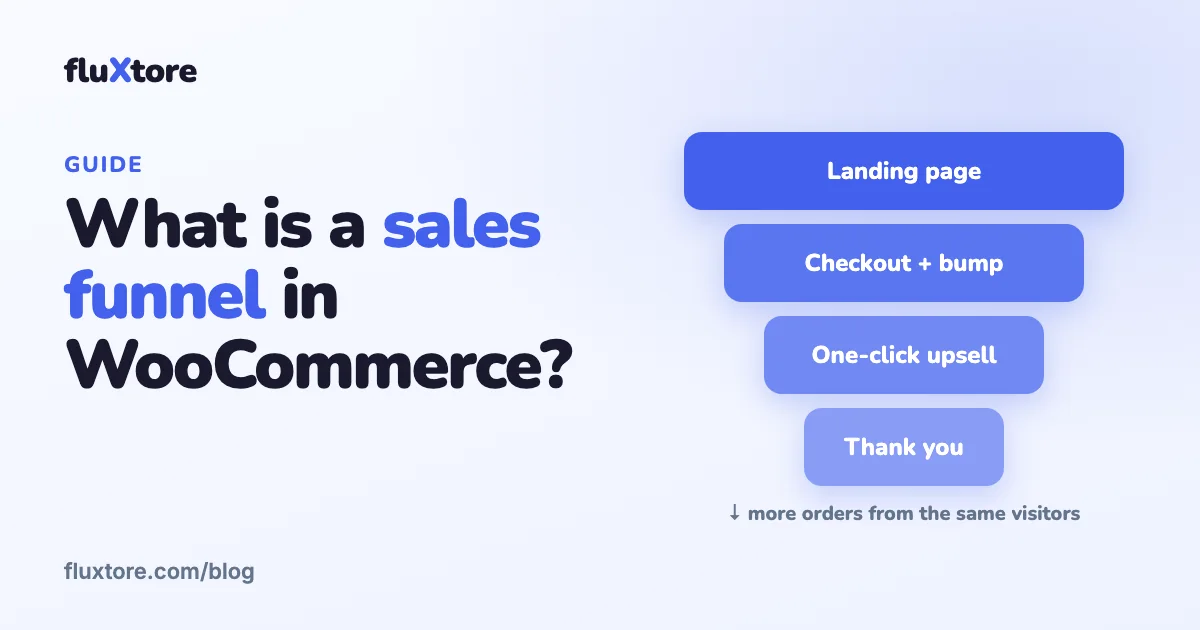
A sales funnel is the path a visitor follows from the first page to the order. In WooCommerce it usually means a landing page, a focused checkout with an order bump, an upsell offer and a thank-you page, instead of the default shop, cart and checkout.
- A basic funnel has 3 steps: landing page, checkout, thank-you page.
- A complete funnel adds an order bump, an upsell and a downsell.
- Track conversion rate, average order value and revenue per visit.
What is a sales funnel?
A sales funnel is the sequence of pages a visitor moves through before and after buying: they arrive, they decide, they pay, and they are offered something more. It is called a funnel because each step loses some visitors, so the goal is to make each step clear, short and relevant to the next.
How is a funnel different from the normal WooCommerce checkout?
The default WooCommerce flow sends buyers from a product page to the cart, then to the checkout, with menus and other products competing for attention. A funnel removes the detours: one offer, one checkout, and relevant add-ons shown at the moment the buyer is ready to pay.
What are the steps of a WooCommerce sales funnel?
A basic WooCommerce funnel has three steps: a landing page, a checkout page and a thank-you page. A complete funnel adds an order bump on the checkout, a one-click upsell right after payment, and a downsell if the buyer declines the upsell.
- Landing page: explains one offer and sends the visitor straight to the checkout, skipping the cart.
- Checkout with order bump: a short form, plus a small add-on the buyer can tick with one click.
- One-click upsell: a bigger related offer after payment, accepted without typing the card again.
- Downsell: a cheaper or lighter alternative shown if the upsell is declined.
- Thank-you page: confirms the order and says what happens next.
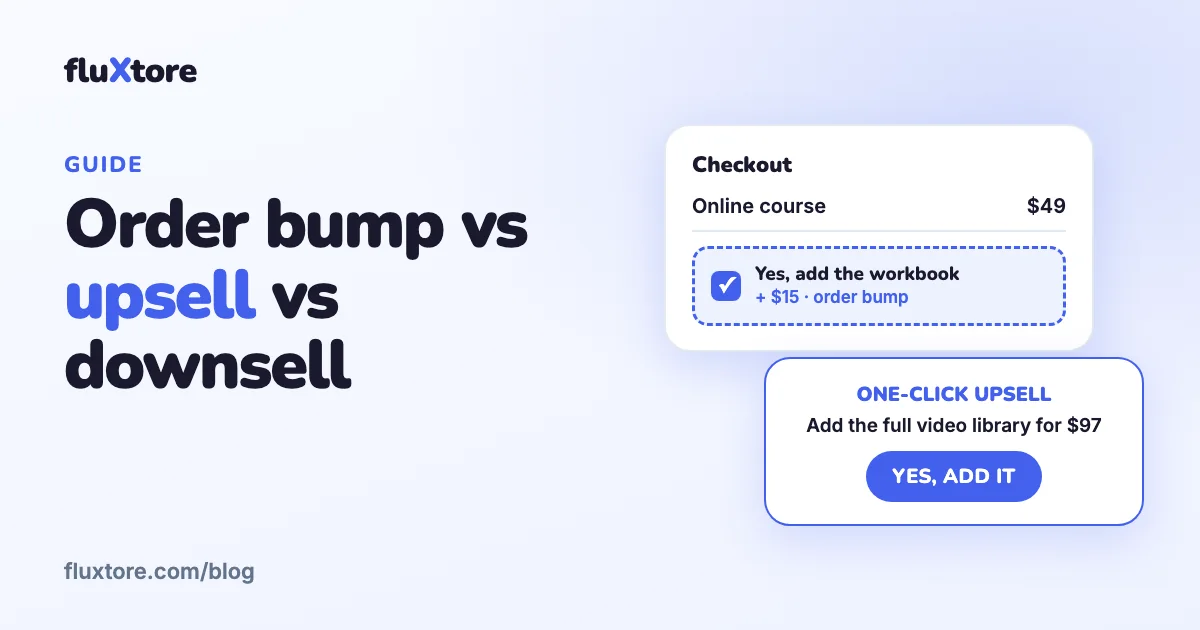
The difference between the offers matters, so read order bump vs upsell vs downsell before you design yours.
Who needs a sales funnel?
Funnels suit stores that sell a small number of focused offers: digital products, courses, event tickets, services, or a flagship physical product. They matter less for a large catalog where people browse, although a funnel can still work for a single campaign page.
Which numbers should you track?
Track three numbers per funnel: conversion rate (visits that become orders), average order value (revenue divided by orders) and revenue per visit. Together they show whether a change helped. fluXtore Pro reports orders, revenue, visits, conversion rate, average order value and revenue per visit for each funnel and each step.
| Metric | What it tells you | How to improve it |
|---|---|---|
| Conversion rate | How many visitors buy | Clearer offer, shorter checkout, A/B tests |
| Average order value | How much each buyer spends | Order bump, upsell, bundles |
| Revenue per visit | The value of each visitor | Improve both numbers above, then buy traffic with confidence |
How do you build your first funnel with fluXtore?
You need WordPress, WooCommerce with at least one product, and an SSL certificate. Then install fluXtore and build a funnel from a template. The whole process takes an afternoon the first time.
- In your WordPress admin go to Plugins, Add New, search for "fluXtore", then Install Now and Activate.
- Open fluXtore, Funnels, and click Add New. Name the funnel and choose a template or a blank funnel.
- Choose your editor: Elementor (the free version is enough), the block editor, Bricks or Divi.
- Use Add New Step to add a landing page, a checkout page and a thank-you page. Edit each page with your builder.
- On the checkout step, open the checkout field settings and keep only the fields you really need.
- Add an order bump and an upsell step (Pro license), and connect the Yes and No buttons to the next steps.
- Place a test order, check the analytics, and publish.
The free version supports up to five funnels. Order bumps, upsells, downsells, A/B testing and per-funnel analytics need a Pro license. See the documentation for each step in detail.
What mistakes should you avoid?
- Too many fields: every extra checkout field gives a buyer a reason to leave. Remove what you do not need.
- Offers unrelated to the purchase: a bump or upsell should feel like a natural next step.
- No test order: always buy once yourself, with the real gateway in test mode, before you send traffic.
- Changing everything at once: change one thing, wait for enough visits, then compare. This is what A/B testing is for.
- Ignoring mobile: check each step on a phone before you publish.
Choosing a plugin? Compare the options in our guide to the best WooCommerce funnel builders.
Build your first funnel with fluXtore
Order bumps, one-click upsells, A/B testing and analytics for WooCommerce. Start free, upgrade when you need more.
Get the free plugin See pricingFrequently asked questions
What is a sales funnel in simple words?
It is the path from first visit to order, built as a short series of pages. In WooCommerce a funnel usually replaces the default shop, cart and checkout with a landing page, a focused checkout and offers shown at the right time.
How many steps should a sales funnel have?
Start with three: landing page, checkout and thank-you page. Add an order bump, an upsell and a downsell only after the basic funnel works and you have real visit and order data.
Do I need WooCommerce to build a funnel with fluXtore?
Yes. fluXtore is built on top of WooCommerce, which must be installed and active with at least one product. You also need a self-hosted WordPress site with an SSL certificate.
Is the free version of fluXtore enough?
It is enough to build up to five funnels with templates and a checkout field editor. Order bumps, upsells, downsells, A/B testing and per-funnel analytics need the Pro license.
How do I know if my funnel works?
Watch conversion rate, average order value and revenue per visit. If conversion rate is low, simplify the page or checkout; if average order value is low, improve your bump and upsell.